Your agents ask.
You answer.
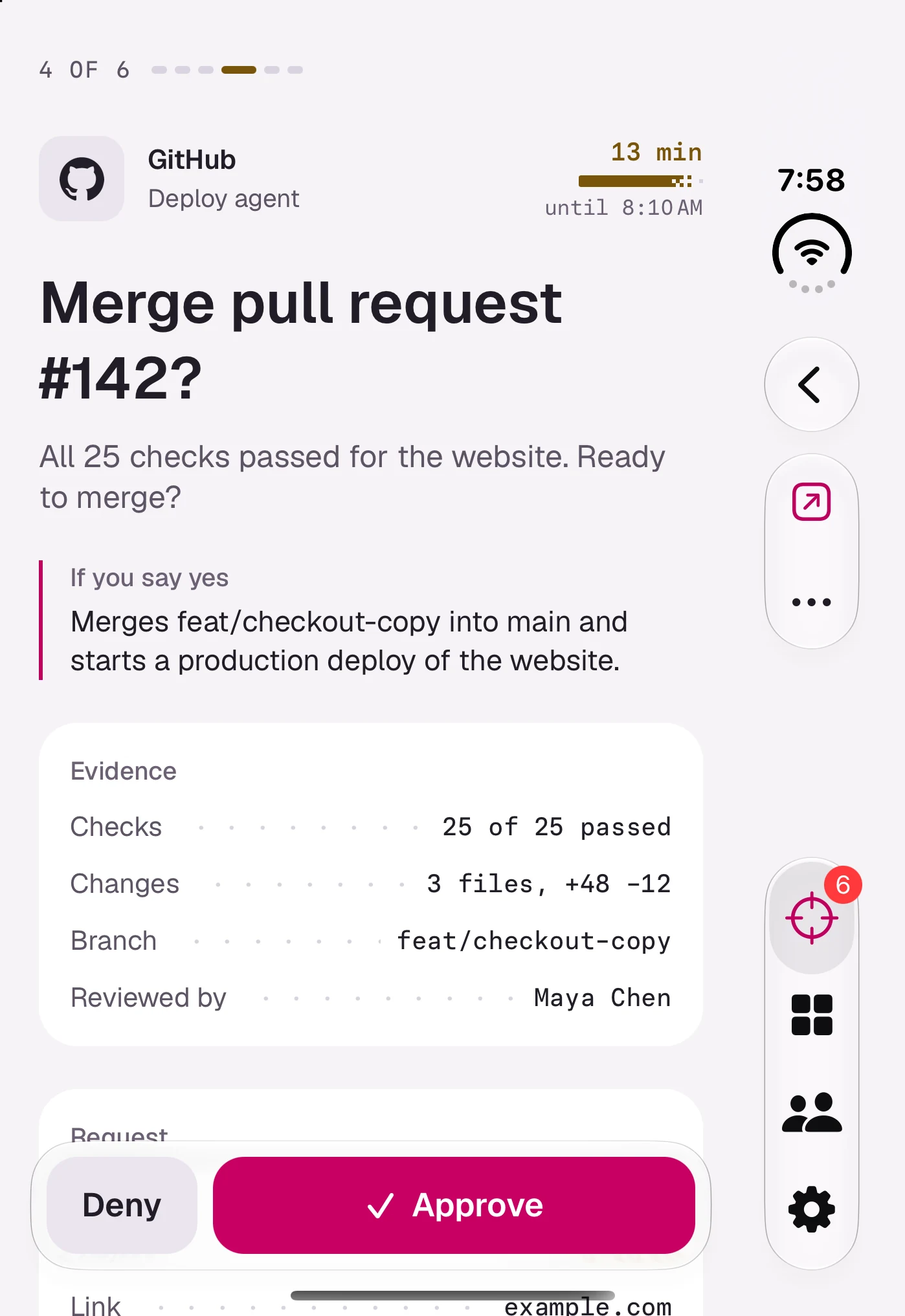
Notify brings what your agents and scripts need from you to your iPhone: a decision to approve or deny, a reply to type, a page when you’re on call, a long job on the Lock Screen.
notify send ask "Merge pull request #142?" --approval --wait --timeout 10mFree for you. Free for your Family.
Unlimited notifications and devices.
Loading the 3D phone…
Drag the phone to rotate in three axes; right-drag or Shift-drag pans; Alt + wheel zooms; ordinary wheel scrolls the page; double-click chooses focus. Arrow keys turn, Q and E roll, plus and minus zoom, and Home resets. Touch controls apply only inside the phone.
See the evidence, then approve, deny or reply. A timeout never counts as yes.
The real app, shown with sample data.
How decisions workA long job,
at a glance.
Give a long job one card that stays current. Your agent starts it when the work begins and updates it as the work moves. You follow along on the Lock Screen and in the Dynamic Island.
Show your progressStarted
Backfill invoicesCounting rows0%Dynamic Island0%notify activity start --key backfill --title "Backfill invoices" --status "Counting rows" --progress 06 minutes in, about 9 to go
Backfill invoicesCopying rows40%Dynamic Island40%notify activity update backfill --status "Copying rows" --progress 0.4Done in 15 minutes
Backfill invoicesBackfilled100%Dynamic Island100%notify activity end backfill --status "Backfilled" --progress 1 --dismiss-after 45s
The same steps work over HTTP, and for agents as the MCP tools activities_start, activities_update and activities_end.
When it can’t wait,
it pages.
For existing teams, a page reaches whoever is on call and counts down to its next escalation until someone acknowledges it.
How paging works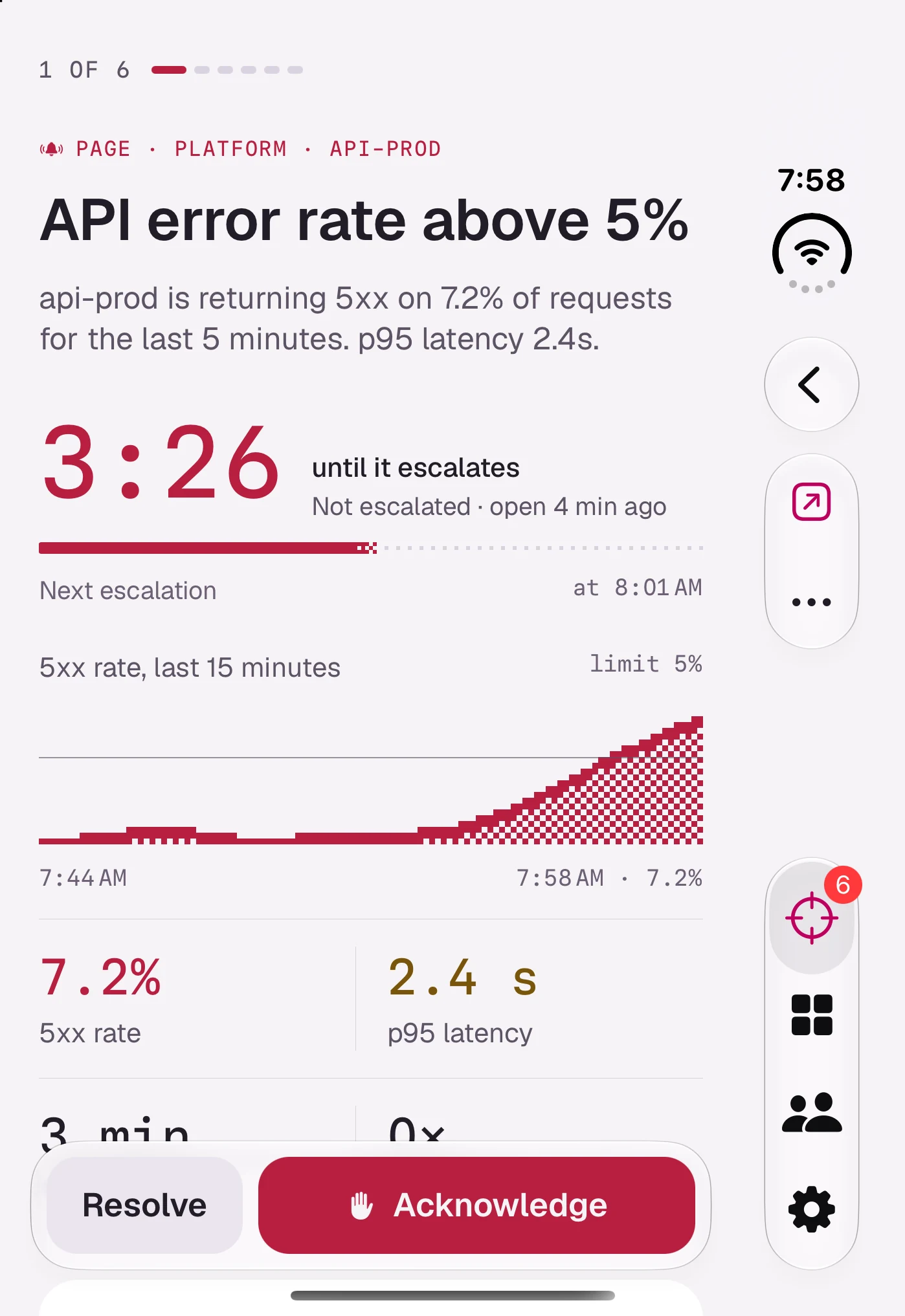
Your web apps,
one tap away.
Connect the HTTPS web apps you already use. Notify opens them beside what needs you, and they see who you are only after you approve sign-in.
Bring an app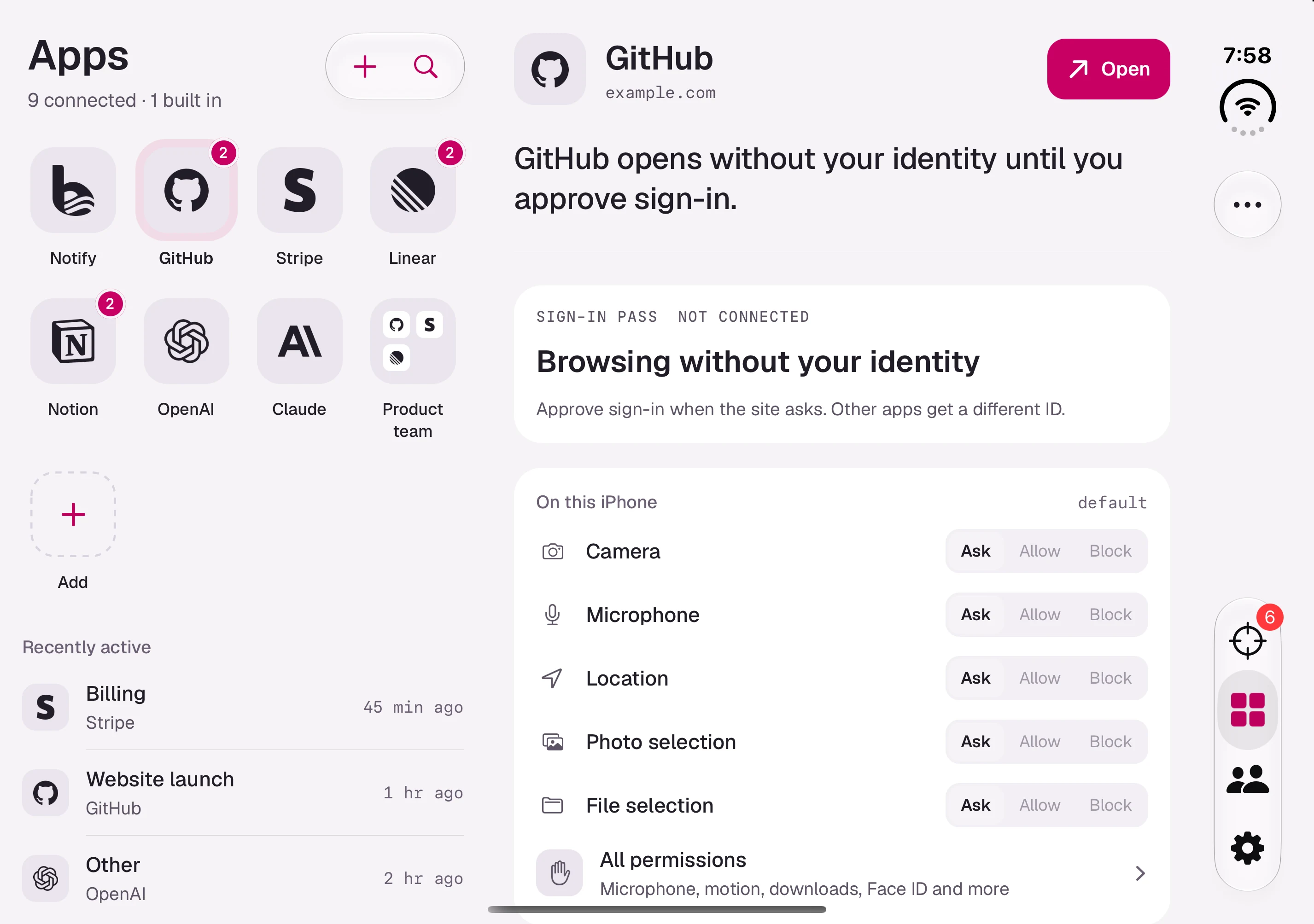
Meet your
Notify Network.
Your agents, apps, and people, connected. A script has news. An agent needs a decision. Your family needs the same update. Give them a way to reach you.
Explore the network Notify
Illustrative examples. Nothing is sent from this page.
Little apps.
Yours to make.
A notebook for a passing thought. A checklist for the next trip. Mini Apps bring small web tools into Notify, with their files and drafts on the device.
Start with HTML, CSS, and JavaScript. Package a useful little thing. Make it your own.
Build your first Mini AppDeveloper preview · Build and publish now. Offline runtime testing is available in the iOS simulator; launching packages on a physical iPhone is not enabled in the current TestFlight build.
One small package.
A place of its own.
manifest.jsonThe introductionindex.htmlThe little appstyle.cssYour kind of stylenotebook.jsA thought, saved
- Signed package, explicit installation
- Local drafts, isolated storage
- Your personal account’s catalog
Start with one useful signal.
Share Notify with up to three more people. Personal and Family stay free, with unlimited notifications and devices. See what’s included →